Installation#
Download#
- Get the Plugin on Fab.
- Install it to your project or engine from the Epic Games Launcher in the Unreal Section. See the official documentation for details.
Setup in Engine#
Without this you cannot use Tab to toggle between the normal selection mode and the Blender mode.
This step is technically optional but recommended: Go to your Editor Preferences under Edit and search for “Viewport Context Menu”. Rebind the shortcut of “In-Viewport Context Menu” to Shift+Tab instead. Alternatively, you can rebind “Toggle Blender Operators Mode” to Shift+Tab if you prefer that.
Use It!#
Enter Blender Mode#
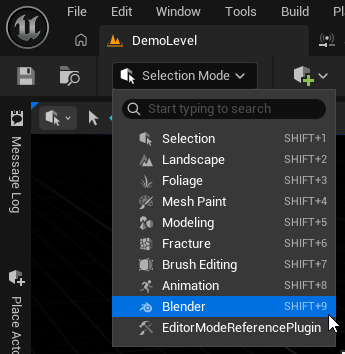
Use Tab to enter blender mode or pick it in the mode drop down.
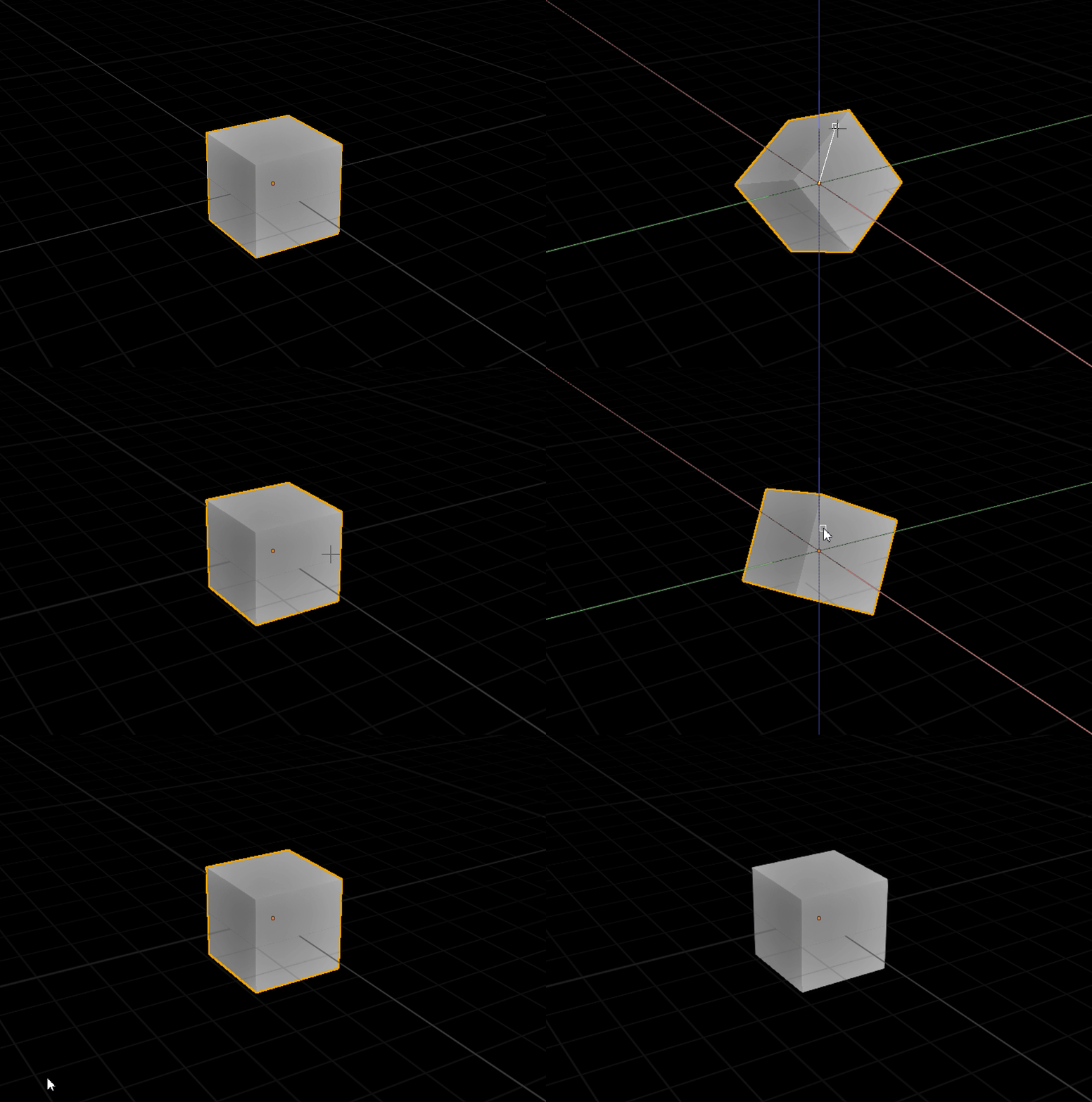
In the level editor, select any object and start using Unreal like it is Blender! Try pressing G to grab/translate an object. Then, press LMB to confirm or RMB to cancel the movement.